Generate Word Cloud from Excel Files
Upload your Excel, CSV, or TXT files and transform your data into beautiful word clouds. No manual copy-paste required.
Upload Your File
Drag and drop your file or click to browse. Supported formats: Excel, CSV, TXT
Drag and drop your file here
or click to browse
Supported formats: Excel (.xlsx, .xls), CSV (.csv), Text (.txt)
💡 Tips:
- Excel: All text from all sheets will be extracted
- CSV: Values from all columns will be combined
- TXT: Plain text content will be used directly
- Maximum file size: 2MB
Customization Options
Upload a file to start generating your word cloud
From Excel to Word Cloud in Seconds
See how your Excel data transforms into beautiful visualizations instantly
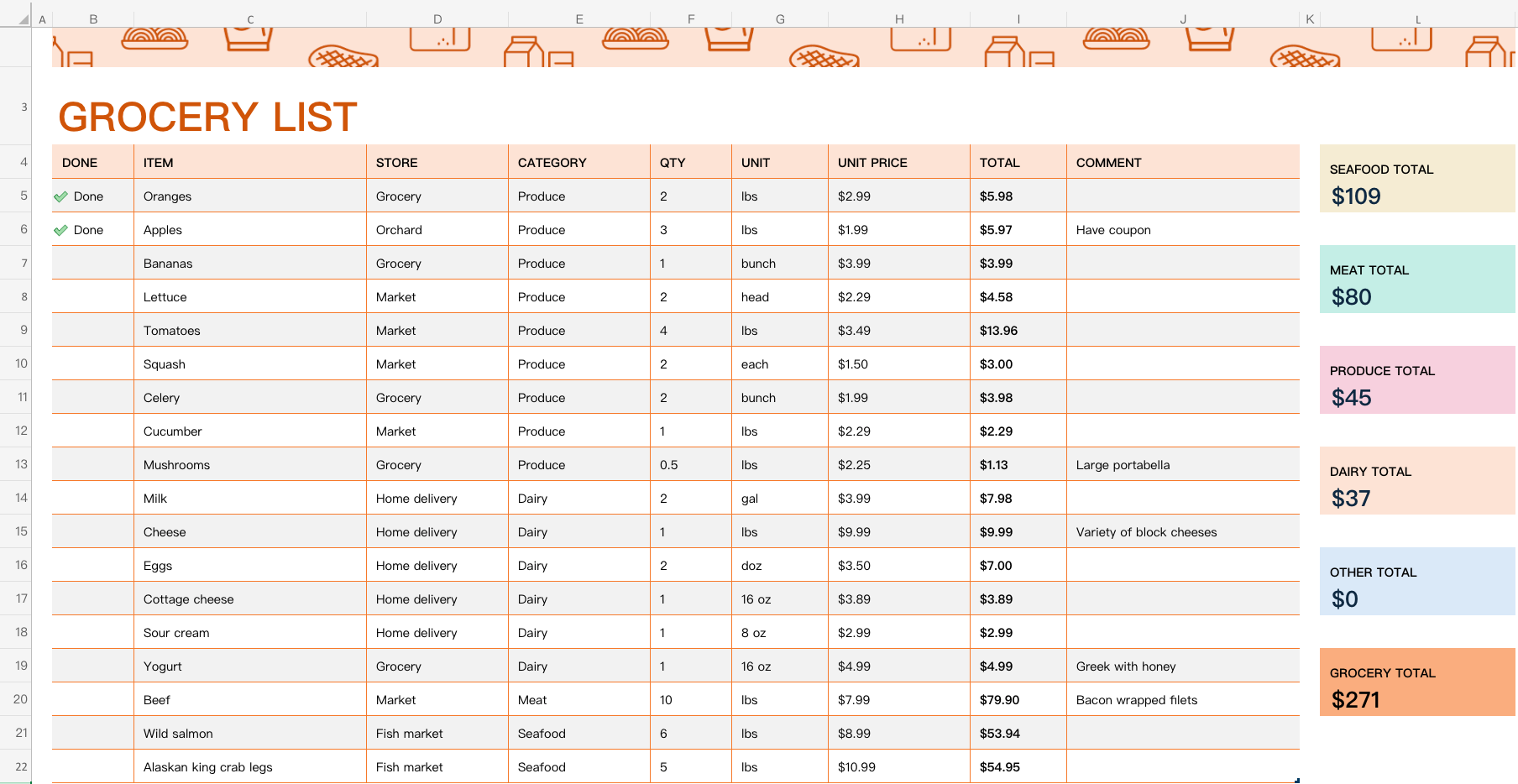
Your Excel data with text content
Click to view full size

Beautiful word cloud visualization
Click to view full size
Instant Conversion
Upload and generate in under 10 seconds
Full Customization
Choose colors, shapes, and fonts
High-Quality Export
Download in PNG format for any use
How to Create a Word Cloud in Excel?
There are several ways to create word clouds from Excel data. Let's explore your options.
Using Excel Add-ins
Microsoft Excel supports add-ins from the Office Store that can create word clouds directly within Excel.
Steps:
- Open Excel and go to Insert → Get Add-ins
- Search for "word cloud" or "text visualization" add-ins
- Install an add-in like "Pro Word Cloud" or similar
- Select your data range in Excel
- Launch the add-in and generate your word cloud
- Most add-ins require paid subscription
- Limited customization options
- May not work with older Excel versions
- Requires installation and setup time
Using VBA Macros
Advanced users can write VBA (Visual Basic for Applications) macros to create word clouds programmatically.
- Requires programming knowledge
- Time-consuming to develop and debug
- Complex code maintenance
- Limited visual quality compared to dedicated tools
Export to CSV and Use Online Tools
Export your Excel data to CSV format and upload to word cloud generation websites.
- Manual export process required
- Multiple steps involved
- Some tools require manual copy-paste
✨ Recommended: Use Our Free Excel to Word Cloud Tool
Skip the complexity and create stunning word clouds directly from your Excel files in seconds.
Why choose our tool:
Why Use File Upload?
Skip the manual copy-paste. Upload your data files directly for faster word cloud generation.
Fast & Easy
Upload your Excel or CSV file in seconds. No need to manually copy data. We extract text automatically.
Multiple Formats
Support for Excel (.xlsx, .xls), CSV (.csv), and plain text (.txt) files. Work with your data in any format.
Privacy First
Your files are processed securely. We don't store your data. Everything stays private and secure.
How It Works
Three simple steps to create your word cloud from files
Upload Your File
Drag and drop your Excel, CSV, or TXT file into the upload area, or click to browse your files.
Customize Options
Choose your preferred shape, color theme, font, and other settings to personalize your word cloud.
Generate & Download
Click the generate button and download your beautiful word cloud in high resolution.
Perfect For
Transform your data files into visual insights
Survey Results
Visualize open-ended survey responses from Excel exports
Customer Feedback
Analyze customer comments and feedback from CSV exports
Research Data
Create visualizations from research notes and transcripts
Business Reports
Transform data reports into engaging visual summaries
Social Media Data
Visualize hashtags and keywords from social media exports
Meeting Notes
Create summaries from meeting notes and action items
Ready to Create Your Word Cloud?
Upload your file now and generate beautiful visualizations in seconds
Get Started Free